
If your organization runs AEM 6.5, the end-of-life dates are now fixed. What’s still open is how you use the remaining months: reacting to deadlines, or using them to land on a better architecture than what you have today.
The Dates That Matter
Adobe has set firm dates for AEM 6.5 end of life, driven by the broader Java platform lifecycle and Adobe’s own modernization roadmap. The timeline creates a chain of deadlines your teams need to plan around now:
- Adobe Managed Services (AMS): Migration required by late 2026. After that date, no security patches and no bug fixes. You’re on your own.
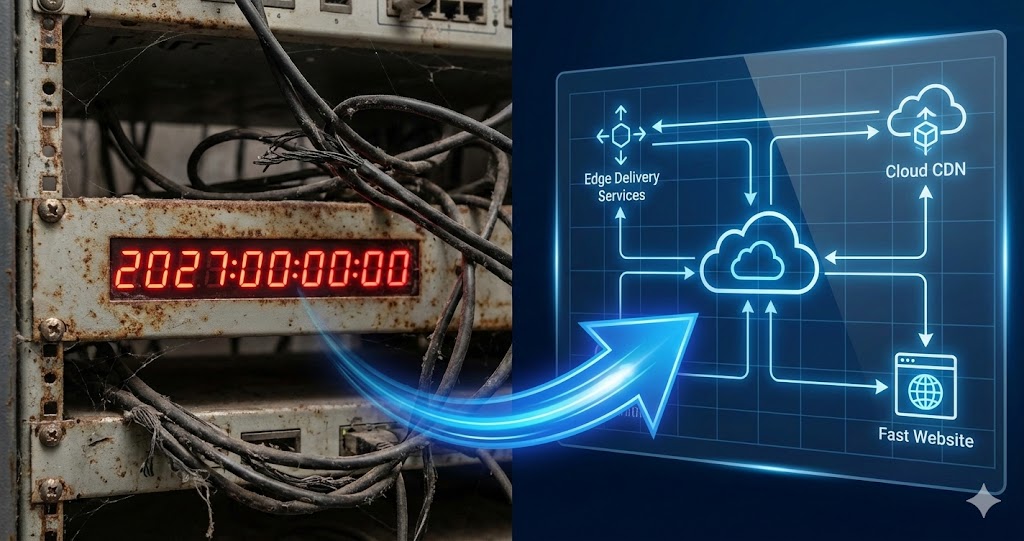
- On-premises core support: Ends February 2027. Organizations still running self-hosted AEM 6.5 lose access to service packs and critical updates.
- Extended support (on-premises only): Available through February 2028 at additional cost, but it buys time, not a solution.
These aren’t soft suggestions. Without ongoing AEM security patches, every day past the deadline increases your exposure to unpatched vulnerabilities and puts your Adobe support agreements at risk.
Three Paths Forward, and What Each Really Costs
Every AEM 6.5 organization faces the same decision tree. The difference is whether you pick a path deliberately or let the calendar pick for you.
Path 1: AEM 6.5 Long Term Support (LTS)
Adobe’s LTS track keeps your existing codebase and content repository intact. You upgrade in place, move to a supported Java version, and continue receiving quarterly service packs.
On paper, it’s the lowest-friction option. In practice, it defers the bigger question: you’ll still need to migrate to a cloud-native architecture eventually. That means paying for two migration projects spread across two to three years instead of one.
LTS makes sense when your team genuinely needs more runway to prepare. But only use that runway to plan, not to postpone.
Path 2: AEM as a Cloud Service
AEMaaCS is Adobe’s long-term platform. It auto-scales, patches itself, eliminates the infrastructure management overhead that consumes so much of your DevOps capacity on 6.5, and frees your team to focus on what actually ships.
The trade-off is migration complexity. Moving to Cloud Service means re-platforming code, migrating content, and adapting to a different deployment model managed through Adobe’s Cloud Manager CI/CD pipeline. It’s a real project, and for large, multi-site organizations, scope can grow quickly.
Path 3: AEM Sites with Edge Delivery Services
Edge Delivery Services sits within AEM as a Cloud Service but takes an entirely different approach to how content reaches users. Instead of the traditional Author/Publish/Dispatcher stack, it renders pages at the network edge and delivers them through an integrated CDN, eliminating an entire tier of infrastructure your team currently manages.
The authoring model is different too. Rather than building pages through AEM’s component editor with Java and HTL behind the scenes, content teams work in whatever document authoring system they already use to start the content creation process (Adobe Document Authoring, Google Docs, SharePoint, or Markdown files) and publish directly. For organizations that need more structured editing, Adobe’s Universal Editor provides an in-context authoring surface on top of the same architecture.
The practical upside: front-end development gets simpler, content velocity increases, and the operational overhead that defines most AEM 6.5 environments shrinks. The document-centric model and simpler stack also lend themselves well to automated content transformation and parallel site builds, which matters when you’re migrating against a hard deadline.
Why Most Migration Plans Stall
The technical options are well documented. The problem isn’t knowing what to migrate to. It’s getting the migration done without derailing every other initiative on the roadmap.
In our experience, the pattern is almost always the same. Teams spend months evaluating options, building proof-of-concepts, and requesting budget, then discover they’ve consumed half the available timeline before writing a single migration script. Content audits wait on architecture decisions, which wait on vendor evaluations, which wait on content audits. Each dependency adds weeks. And the same engineers maintaining your current AEM instance are the ones expected to build the next one, so without additional capacity, day-to-day operations always win.
We’ve watched a 200-page migration scope balloon to 600 once someone remembered the DAM assets, the language copies, and the three microsites marketing launched in 2019 that nobody owns anymore. That kind of discovery late in planning is what kills timelines.
The organizations that move fastest aren’t the ones with the biggest teams. They’re the ones that can execute multiple workstreams (planning, building, testing, content migration) at the same time.
How Launch Studio Changes the Math
This is exactly the problem we built Launch Studio to solve.
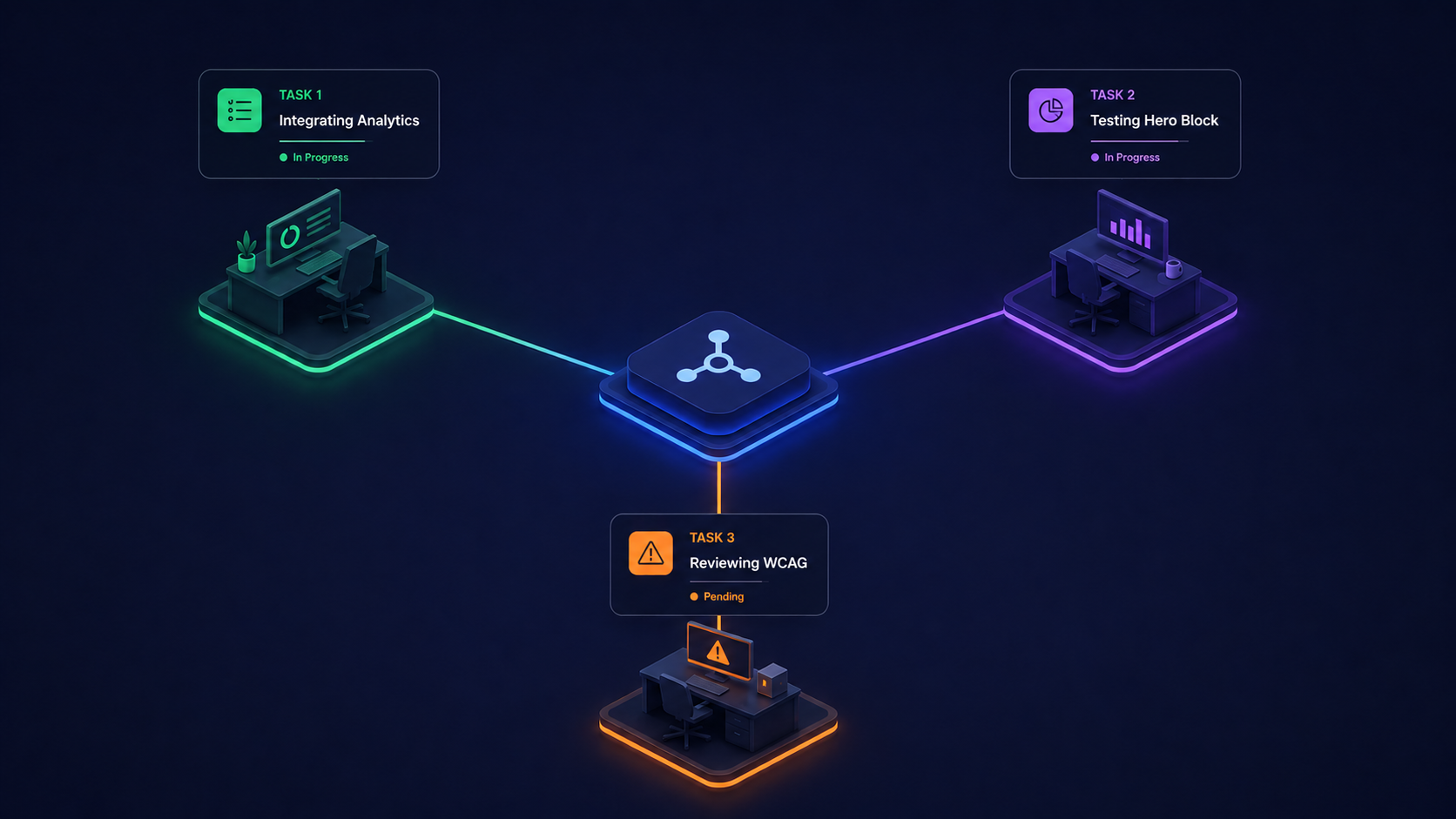
Launch Studio is an accelerator built for AEM Edge Delivery Services projects. Instead of staffing up a large team and coordinating handoffs across months of sequential phases, Launch Studio uses agentic AI to plan, build, and improve in parallel across multiple tasks, sites, and projects simultaneously.
Parallel Execution, Not Sequential Phases
Traditional migrations move through discovery, architecture, development, content migration, and testing in sequence. Launch Studio collapses that timeline by running workstreams in parallel. Architecture decisions inform development immediately. Content migration starts while components are still being built. Testing happens continuously, not as a phase at the end.
No-Code Migration Mapping That Saves Real Money
Launch Studio includes a built-in migration capability that lets you visually map content from legacy sites into AEM Edge Delivery Services content architecture. No custom code required. You can map into Launch Studio’s own project accelerator templates or into your organization’s existing Edge Delivery templates. For organizations with hundreds or thousands of pages across multiple locales, eliminating the manual content transformation work is where the biggest cost savings land.
Agentic Capabilities from Planning Through Launch
Beyond migration, Launch Studio brings agentic workflows to the full implementation. An expert Adobe intelligence agent answers architecture and configuration questions in context. A dedicated EDS development agent builds blocks and pages with live preview, so you see what you’re shipping while you build it. Planning, building, configuring, and auditing all run at the same time. As we discussed in Agent-Powered Performance Workflows, the same continuous, AI-driven approach that transforms testing also transforms how entire AEM projects get delivered.
What to Do This Quarter
If you haven’t started planning, start now. Every week of delay compresses your options.
- Inventory your AEM footprint. Sites, content types, integrations, custom code, third-party dependencies. You can’t scope a migration you haven’t measured.
- Decide your target architecture. LTS for short-term runway, Cloud Service for traditional AEM patterns, or Edge Delivery Services for the fastest path to modern delivery and lower ongoing costs. The right answer depends on your content model, team capabilities, and business goals.
- Quantify the gap. How many pages, how many locales, how many custom components? This determines whether your migration is a quarter-long sprint or a multi-phase program.
- Evaluate how to accelerate. A migration that would take 12 months with a traditional approach may take a fraction of that with the right tooling and agentic execution model.
As we wrote in The Real Cost of Doing Nothing, the expense of inaction compounds every quarter. With AEM 6.5, the compounding now has a hard stop.
We’ve helped organizations at every stage of AEM migrations, from early scoping through go-live. If you’re working through the 6.5 end-of-life timeline and want a second opinion on your migration approach, drop us a note. Tell us what you’re running today: version, hosting model, number of sites. We’ll send back a focused assessment of what an accelerated migration could look like.