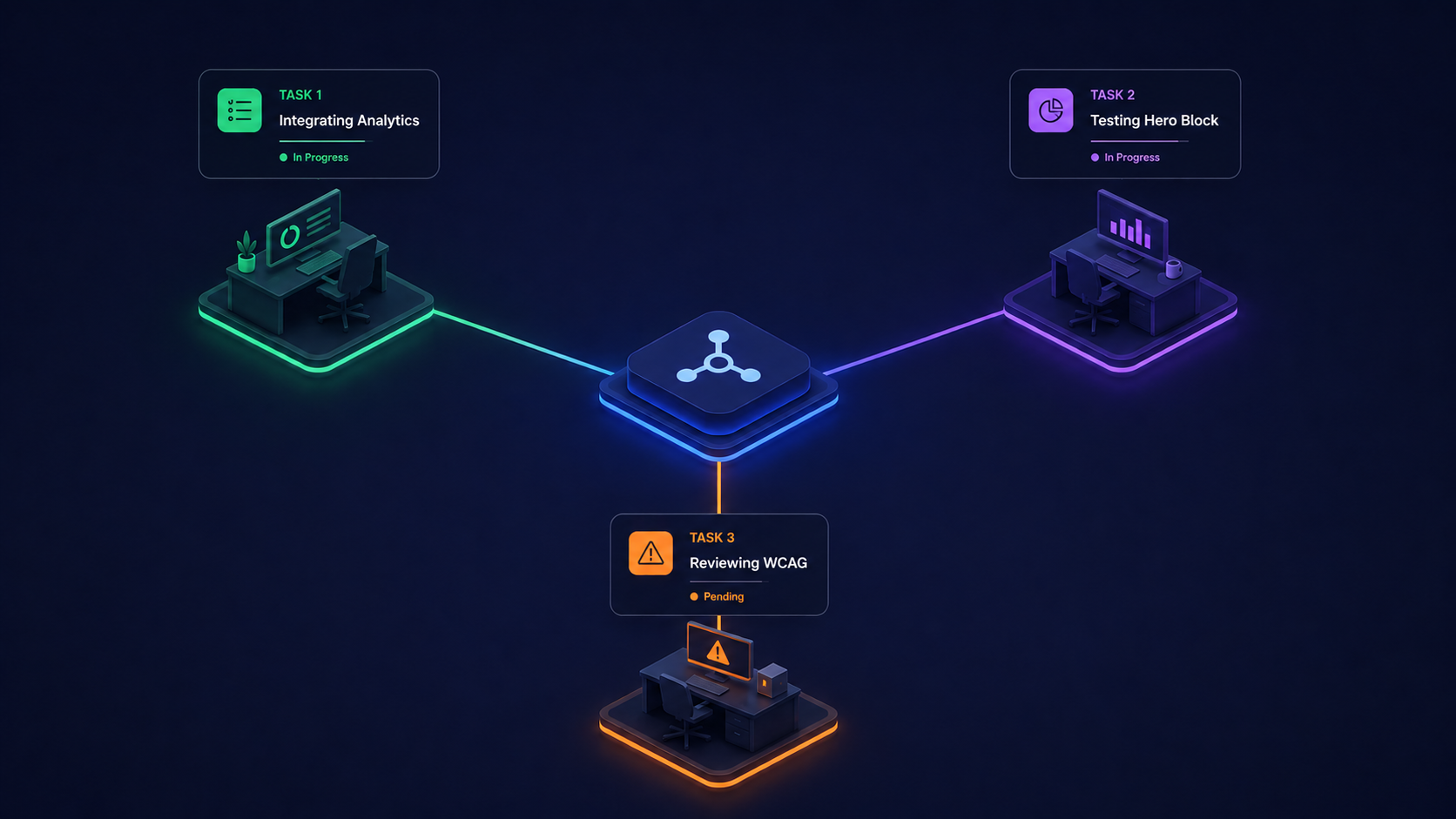

There’s a growing consensus in the software industry: the bottleneck in engineering is no longer intelligence. It’s human attention.
Even your best developers can only drive a handful of tasks forward per day. They may have a backlog of fifty features, but every task demands their focus, every context switch burns cognitive overhead. Even a skilled engineer running multiple AI agents concurrently hits a ceiling at two or three active work streams; beyond that, the cognitive load of reviewing output, catching errors, and maintaining context across tasks degrades the quality of everything.
There is a fundamental tension facing agencies and enterprise teams adopting AI for web implementation work. The tools are powerful. The throughput gains are real. But the way most teams adopt AI, through individual developer tooling, creates a new category of organizational problems that offset those gains.
The Individual AI Tool Problem
Walk into any modern development team and you’ll find a patchwork of AI configurations. One developer runs Cursor with a custom rules file. Another uses Claude Code with a hand-tuned CLAUDE.md. A third has Copilot configured with workspace-specific prompts and MCP servers. Each has spent hours, sometimes days, dialing in their setup: which models to use and how to structure prompts for their specific CMS, which skills and tool configurations produce reliable output.
This works right up until it doesn’t.
Per-project reconfiguration becomes overhead
Agencies managing multiple client sites or enterprise teams operating across brands and properties face a compounding problem. Every new project requires developers to reconfigure their AI tools. Context files need rewriting. Model selections need revisiting. Prompt strategies that worked for an Edge Delivery Services project may fail entirely for an AEM classic implementation. What should be a force multiplier becomes a per-project tax. The natural instinct is to solve this with a comprehensive skills file library: a shared repository of prompts and configurations that standardize how AI tools behave. It sounds reasonable, but in practice it becomes its own chaos machine: too many skill files get loaded and conflict with each other, the wrong ones get pulled for a given context, or they’re ignored entirely by developers who’ve already built their own workflows.
The work is a black box
When a developer uses personal AI tooling, the organization has no visibility into what happened. If a sprint goes sideways and deadlines slip, there’s no audit trail showing which AI interactions led to which decisions. You can’t review the reasoning chain. You can’t identify whether the tool was misconfigured, the prompts were poor, or the model hallucinated. The entire AI-assisted workflow lives and dies on one person’s machine.
Knowledge walks out the door
Perhaps most critically for businesses investing in AI transformation: when that developer leaves, their AI configurations, their refined prompts, their institutional knowledge of what works and what doesn’t. All of it leaves with them. The next person starts from zero.
These aren’t hypothetical concerns. They’re the daily reality for teams trying to scale AI adoption beyond individual productivity into organizational capability.
A Platform Approach Changes the Equation
This is why we built Launch Studio as a purpose-built agentic implementation platform rather than another AI coding tool. The distinction matters.
An AI tool augments an individual developer. An agentic platform augments the team and the delivery process around it. Every configuration and piece of institutional knowledge is embedded in the platform itself, available to every team member from day one and retained when anyone leaves.
When a developer opens Launch Studio, they don’t need to understand which LLM to use or how to engineer prompts for their specific CMS platform. The platform handles model selection, context management, and skill routing automatically. A developer working on an Adobe Edge Delivery Services site gets platform-specific skills and block-building patterns injected into every AI interaction, without any manual configuration. Switch to an AEM project and the entire context shifts automatically.
This is the difference between giving someone a cockpit full of unlabeled switches and giving them an autopilot with a destination input.
From Testing to Action in a Single Platform
Most platforms treat testing and development as separate concerns. You run Lighthouse in one tool, review accessibility violations in another, then manually create tickets in a third to fix what you found.
Launch Studio collapses this into a continuous loop. Our operations suite runs automated accessibility audits against WCAG standards, performance testing via Lighthouse with Core Web Vitals tracking, and SEO and Generative Engine Optimization analysis covering everything from structured data validation to E-E-A-T signal assessment. These aren’t standalone reports that sit in a dashboard collecting dust. Every finding is directly actionable within the same platform. An accessibility violation discovered during a scheduled audit can be used to create an implementation plan, which then drives an AI agent to produce the fix, which then gets validated by a separate QA agent, all without leaving the environment or switching tools.
For agencies managing dozens of client properties, this means scheduled monitoring across every site with issues that flow directly into implementation workflows. No copy-pasting findings between tools. No context lost in translation.
How Multi-Agent Orchestration Delivers Scale
The real multiplier is how Launch Studio orchestrates work. Rather than a single AI assistant that a developer must babysit through each step, the platform runs a multi-agent system with distinct roles: an orchestrator that decomposes plans into sequenced tasks, development agents that implement changes with clean context per task, and QA agents that validate work through an independent, adversarial lens.
This separation of concerns is architecturally critical. A development agent that wrote code has inherent bias toward that code working. A separate QA agent with fresh context and no exposure to the implementation decisions is far more likely to catch issues, for the same reason human teams do code review. The QA agent doesn’t just run linters and type checks. It validates behavior: taking screenshots across viewports and comparing implementation against design references, producing structured pass/fail evidence.
Why serial execution beats parallel
Tasks execute serially rather than in parallel, and this is deliberate. When agents make concurrent changes in the same codebase, they conflict and make inconsistent architectural decisions. The coordination overhead eats the speed gains. Serial execution with targeted parallelization on read-only operations (like codebase search or API research) produces dramatically lower error rates. For tasks that run across dozens of implementation steps, correctness compounds.
Structured handoffs create institutional memory
Each agent produces structured handoffs when it completes work: what changed and what issues were discovered. This creates an auditable chain of decisions that any team member (current or future) can review. Nothing lives in someone’s local terminal history.
Concurrency Without Chaos
Here’s where the business case becomes compelling. A single developer using Launch Studio can have multiple implementation plans executing concurrently across different projects. While one plan’s agents are implementing a component library for Client A, another plan is running QA validation for Client B, and a third is executing a content migration for Client C.
The developer’s role shifts from writing every line of code to reviewing completed work, approving plans, and making architectural decisions. The mechanical execution (the part that consumed 80% of their time) is handled by agents that don’t lose focus and don’t forget the project’s coding conventions between sessions.
None of this replaces developers. It removes the artificial constraint that one person can only drive two or three tasks forward per day. With a structured agent system handling execution, that same person can oversee ten or twenty work streams while focusing their actual attention on the problems that require human judgment: architecture, product decisions, client communication.
What the Business Actually Gets
For agencies and enterprise teams evaluating AI adoption, the decision framework should extend beyond individual developer productivity:
-
No ramp-up cost per project. The platform ships with curated skills for major CMS platforms, development frameworks, and web standards. New projects don’t require AI reconfiguration. New team members don’t need AI tool training.
-
Full traceability. Every agent interaction, every plan, every task, every QA assertion, every code change is stored and auditable. If something goes wrong, you can trace exactly what happened and why. If something goes right, you can understand the pattern and replicate it.
-
Institutional knowledge retention. Skills, configurations, project memory, past plans, and implementation patterns belong to the organization, not to individual machines. Team transitions don’t reset your AI capabilities.
-
Consistent quality at scale. The QA agent applies the same rigor to the fiftieth component as the first. Testing criteria are defined during planning, before implementation begins, so validation isn’t shaped by the code it’s checking. Scheduled audits catch regressions across your entire portfolio without manual effort.
-
Economics that compound. As models improve, a platform architecture that separates orchestration logic from model intelligence gets better automatically. You’re not locked into one provider’s capabilities. The right model can be assigned to each role: careful reasoning for planning, fast execution for implementation.
The Shift That’s Already Happening
The teams that will define the next era of web implementation aren’t the ones with the most AI tools installed. They’re the ones that have moved from augmenting individuals to augmenting their entire delivery process.
The question isn’t whether AI can help your developers write code faster. It clearly can. The question is whether your organization can capture that capability in a way that scales across projects, survives team changes, maintains quality standards, and gives leadership visibility into how AI is actually being used.
That’s what an agentic implementation platform delivers. Not a smarter text editor, but a fundamentally different operating model for getting work done.