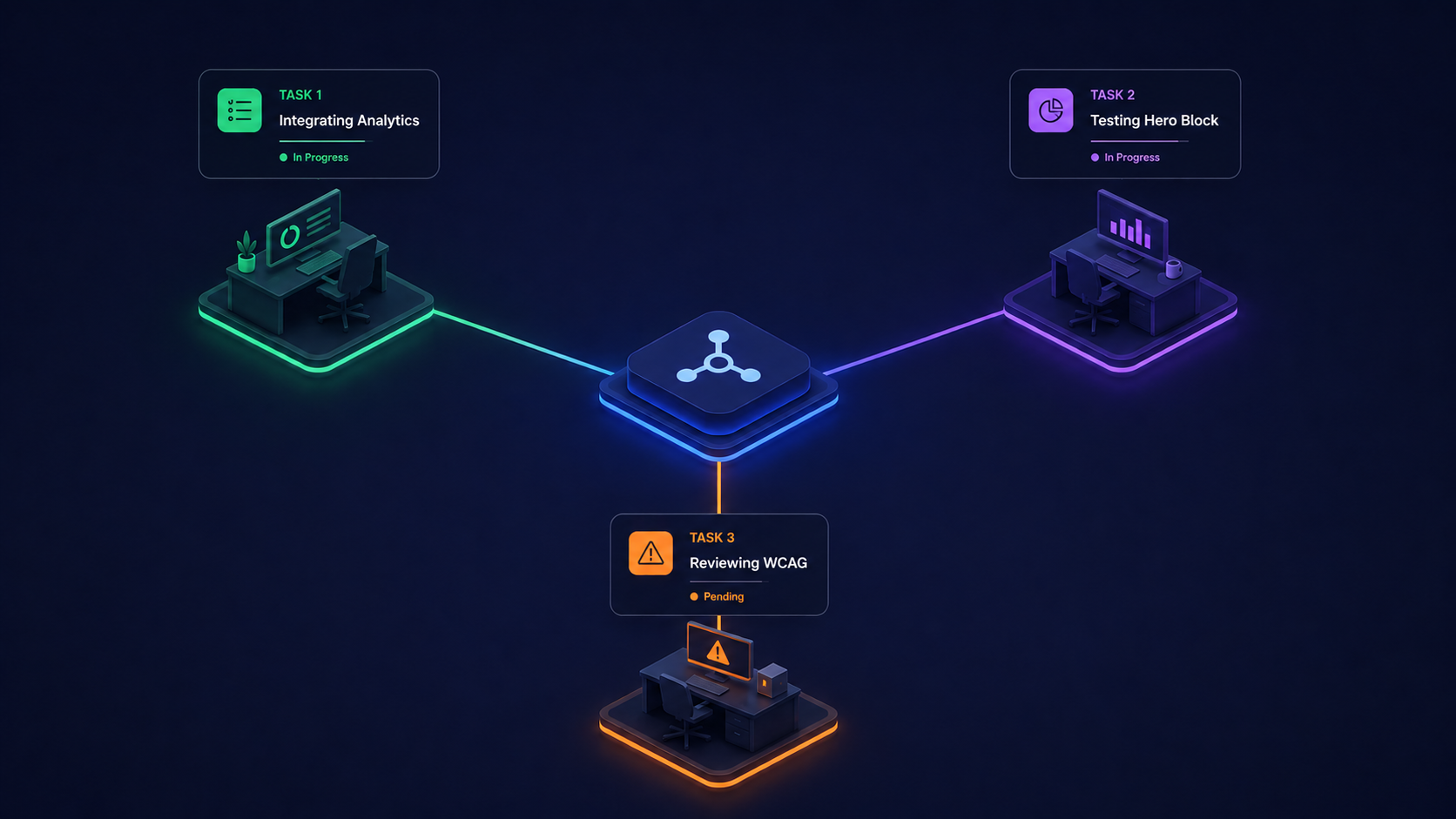

How designers and developers can turn Figma, MCP, and AI into a reliable bridge instead of a game of telephone.
Most teams discover the limits of “AI from Figma” the moment their beautiful designs collide with the messy realities of an enterprise CMS.
The New Reality: AI-Enabled Design Handoffs
Figma has doubled down on AI-native workflows: Dev Mode, Code Connect, AI assistants, and the MCP server all aim to give agents rich, structured design context instead of flat screenshots. The promise is straightforward: let AI read your designs, then generate production-ready code that’s aligned with your system.
Recent guidance from tool vendors and design leaders converges on a few themes:
- Pretty design files are no longer enough; they must be AI-compatible. Clear component structures, tokens, and consistent naming are now prerequisites if you want reliable AI output.
- Mapping to real components matters. When Figma components are explicitly mapped to actual code components in your design system, AI is far more likely to reuse what you already have instead of inventing new UI.
- MCP raises the ceiling but not the floor. It can feed design and code context directly into agents, but quality still depends on how structured and disciplined that context is, especially at enterprise scale.
For many teams, that’s where the gap appears: the AI understands the design file, but not the world it’s shipping into.
This is why, in our related article, How to Think About AI in 2026, we argue that relying on isolated, “Shadow AI” experiments is not a sustainable strategy. The same applies here: using a one-off AI script to interpret Figma and generate code, without grounding in your architecture, is just another form of shadow AI.
Where Things Break: Enterprise CMS Reality
Enterprise CMS platforms, whether headless, page-builder oriented, or something in between, come with constraints that generic “Figma-to-code” workflows rarely understand:
- Rigid content models and templates: Fields, regions, and reusable content types often dictate what’s actually possible on the page.
- Design systems have rules as well as atoms: Certain components are allowed only in specific contexts or layouts.
- Localization, governance, and approvals: A layout that’s fine in one market may break in another language or channel.
- Security and compliance concerns: Connecting AI agents to design and code context introduces questions about data access, auditing, and risk that enterprises can’t ignore.
Articles that dig into AI-assisted Figma handoff are clear on this: out-of-the-box, AI will happily generate plausible code, but without awareness of your CMS architecture and governance, results are inconsistent on real projects and large files.
The outcome is familiar to designers and developers: Figma looks aligned, AI output looks promising, and then delivery slows as engineers rework everything to match content models, performance standards, and publishing workflows.
A Better Approach: Domain Intelligence Around the Design
United Logic’s view is that Figma (and MCP) should be inputs into a larger, domain-aware pipeline rather than the whole story.
Instead of “take this frame and generate code,” we frame the process as “take this frame, plus everything we know about the domain, and generate platform-safe intent and implementation.”
That means:
Start with explicit domain context
- Which CMS and site are we targeting?
- What template or experience type is this (e.g., product listing, press release, global navigation)?
- Which content types, locales, and channels are in play?
Layer in system rules and constraints
- Valid component library, props, and allowed compositions.
- CMS schemas, authoring patterns, and publishing flows.
- Accessibility, performance, and SEO guardrails that cannot be violated.
Translate design into platform-aware intent
- “This hero maps to HeroBanner variant Split, sourced from Hero Fragment.”
- “This grid should reuse ProductCard with these breakpoints and tracking hooks.”
Then let AI produce code or configuration
- Instead of guessing from pixels, the agent reasons within structured, conditional domain intelligence that reflects how your organization actually builds and ships.
In other words, the same principle we apply in How to Think About AI in 2026 applies here: move from isolated, tool-specific AI to connected, architecture-aware agents that understand the full lifecycle, from design decisions in Figma to content and deployment realities in your CMS.
Conclusion
AI-powered handoffs from Figma are no longer speculative. They’re here, and they’re improving quickly. But if you’re working inside a complex CMS stack with custom components, global content models, and real governance, “Figma to code” will only work as well as the domain intelligence wrapped around it. By treating Figma and MCP as part of a larger, architecture-aware pipeline, you can give designers and developers a shared, trustworthy bridge from intent to implementation instead of another experimental shortcut.
If your teams are juggling beautifully crafted Figma files, promising AI tools, and a CMS that still forces manual rework, you’re not alone. Share a bit about your current design stack, CMS platforms, and AI experiments, and we’ll send back a focused view of how domain-aware, agentic AI can make your design-to-code pipeline faster, safer, and much more predictable.